

1. Pre-deployment security screening, secure built-in services, and enterprise-grade controls — including SSO/SAML and SOC2 — so what you build stays protected.
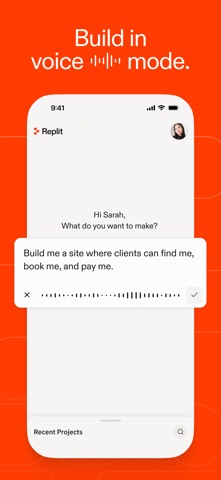
2. Just describe what you need in plain language, and Replit handles the building, testing, debugging, and hosting — all in one place.
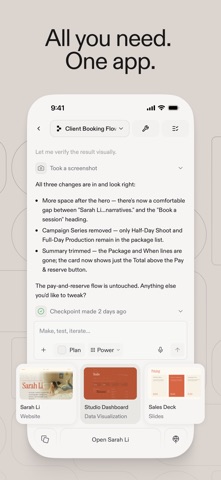
3. Add tasks anytime, see progress in real-time, and stay focused on what matters — while Replit handles the maintenance, updates, and complexity in the background.
4. Multiple AI agents work across your project simultaneously — building infrastructure, integrating services, and refining features at once.
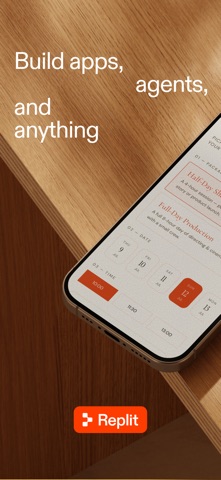
5. Replit builds it — websites, web apps, slides, videos, data dashboards, and more.
6. It's like having an entire team of engineers and designers on demand, available through a simple chat.
7. Connect to Google Drive, Gmail, Google Workspace, enterprise data warehouses, and more.
8. Build fully scalable web apps securely from the start.
9. Turn your project into a fully connected system in minutes, not days.
10. Every request becomes a structured task your team can track.
11. Authentication, database, hosting, and monitoring are all included from day one.
12. Replit: Vibe Code with AI Fast 은 무료 Developer Tools 앱으로 Replit 에서 개발했습니다. 1 개월 전 출시되었으며 4+ 연령에만 적합하며 파일 크기는 37.08 MB.
13. 현재 버전은 v2.198.2 이며 276 사람들 이상의 4.8/5 점을 받았습니다.
PC에서 Replit: Vibe Code with AI Fast 용 호환 APK 다운로드
| 다운로드 | 개발자 | 평점 | 점수 | 현재 버전 | 성인 랭킹 |
|---|---|---|---|---|---|
| ↓ PC용 APK 다운로드 | Replit | 276 | 4.82971 | 2.198.2 | 4+ |
아래 에뮬레이터 중 하나를 다운로드하십시오.
옵션 "B"는 인기에 따라 권장됩니다. 문제가 발생하면 Google 또는 Naver.com에서 좋은 해결책을 찾을 수 있습니다.보너스 : Android 및 iOS 용 다운로드
 App
App