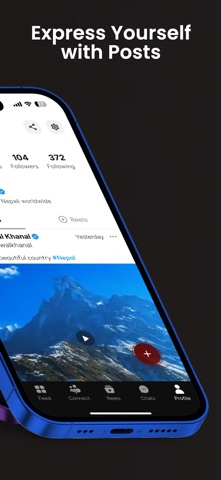



1. Discover entertaining content, share your moments, reconnect with people, and build meaningful connections within the global Nepali community.
2. Whether you are in Nepal or abroad, Thopla helps you stay connected with Nepali people, culture, conversations, and creativity.
3. Follow your favourite creators and discover conversations from Nepal, Australia, the United States, the United Kingdom, Japan, and Nepali communities worldwide.
4. Download Thopla today and join the growing global Nepali community.
5. Connect with friends, family, and other members of the Nepali community in real time.
6. It is a digital home where Nepalis can share their stories, celebrate their culture, support creators, and stay connected across borders.
7. Share your creativity, earn recognition, and become an active part of the Thopla community.
8. Discover Nepalis near you, meet people who share your interests, and reconnect with people from your past.
9. Thopla is a social community created to bring Nepalis together, wherever they live.
10. Share stories from your daily life and express yourself with people who understand your language and culture.
11. Send private messages, join community chat rooms, and participate in conversations that interest you.
12. Thopla - Connecting Nepali 은 무료 Social Networking 앱으로 Ujjwal Khanal 에서 개발했습니다. 1 주일 전 출시되었으며 12+ 연령에만 적합하며 파일 크기는 111.49 MB.
13. 현재 버전은 v3.7.2 이며 2 사람들 이상의 5/5 점을 받았습니다.
PC에서 Thopla - Connecting Nepali 용 호환 APK 다운로드
| 다운로드 | 개발자 | 평점 | 점수 | 현재 버전 | 성인 랭킹 |
|---|---|---|---|---|---|
| ↓ PC용 APK 다운로드 | Ujjwal Khanal | 2 | 5 | 3.7.2 | 12+ |
아래 에뮬레이터 중 하나를 다운로드하십시오.
옵션 "B"는 인기에 따라 권장됩니다. 문제가 발생하면 Google 또는 Naver.com에서 좋은 해결책을 찾을 수 있습니다.보너스 : Android 및 iOS 용 다운로드
 App